➊ Sign In to the Wallet UI
Go to https://account.paxos.com/login and sign in to the Wallet UI. Do not create a new Dashboard account. Watch the demo →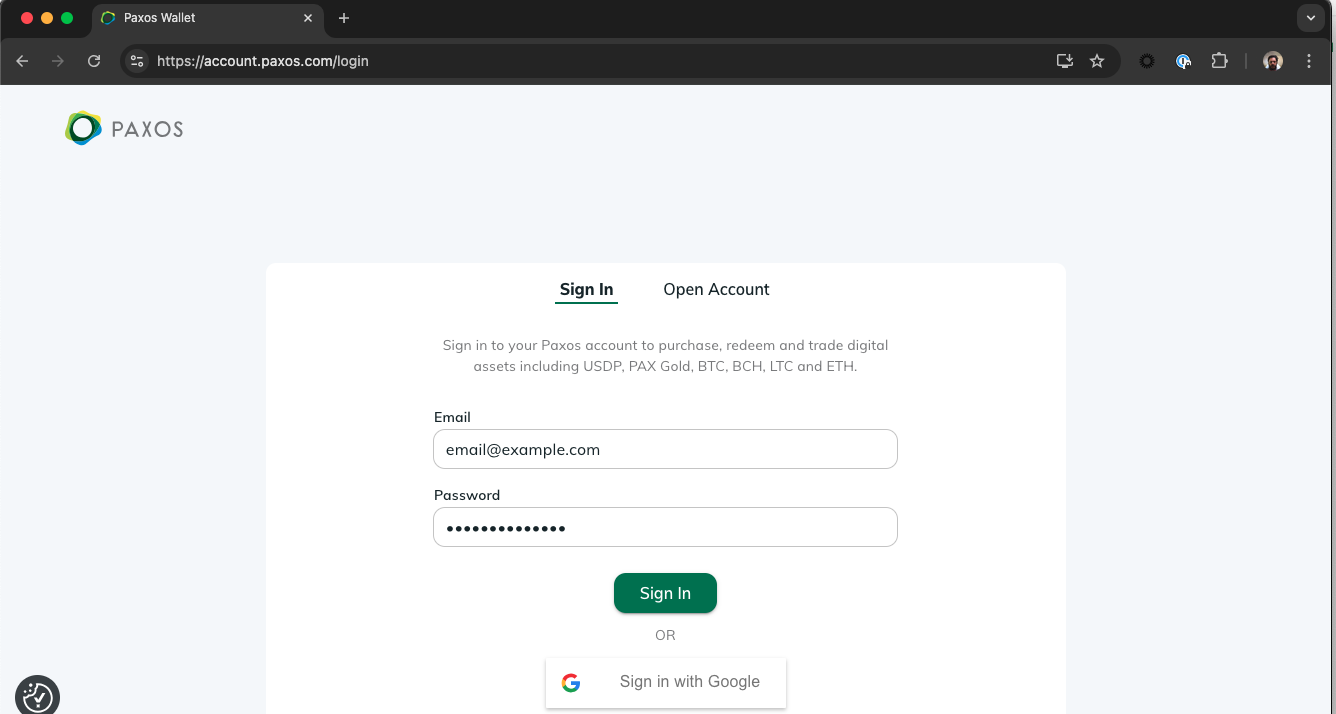
➋ Start the Dashboard Migration Process
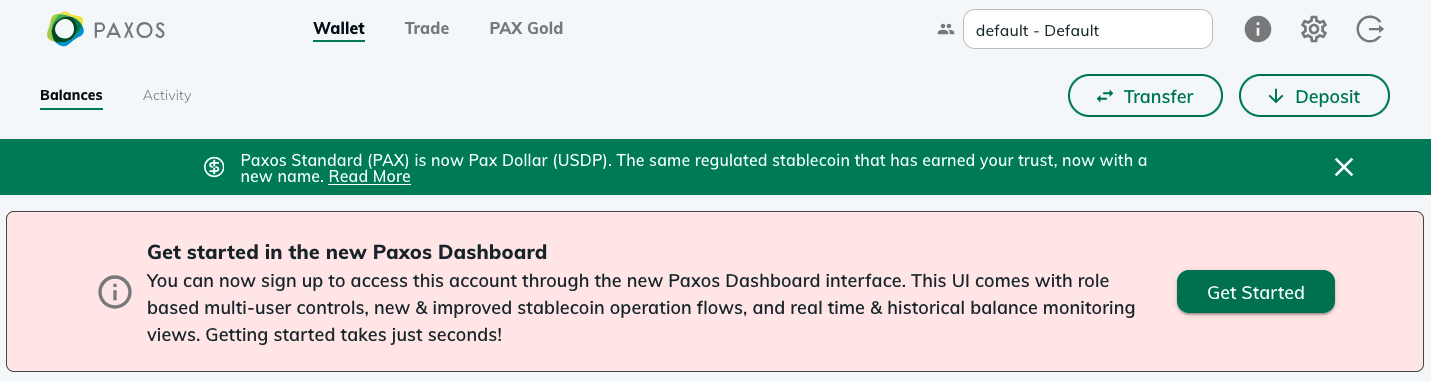
Go to https://account.paxos.com/wallet and select Get Started in the welcome banner then review and accept the Terms & Conditions and Pricing on the next screen. Watch the demo →Don’t see the Dashboard invite? Some institutional account holders may need to provide additional information before accessing the Dashboard. Contact Support to get started.
➌ Verify your Email Address
After you accept the Terms & Conditions and Pricing, we will open a new screen so you can verify your email address using the code we sent you. Watch the demo →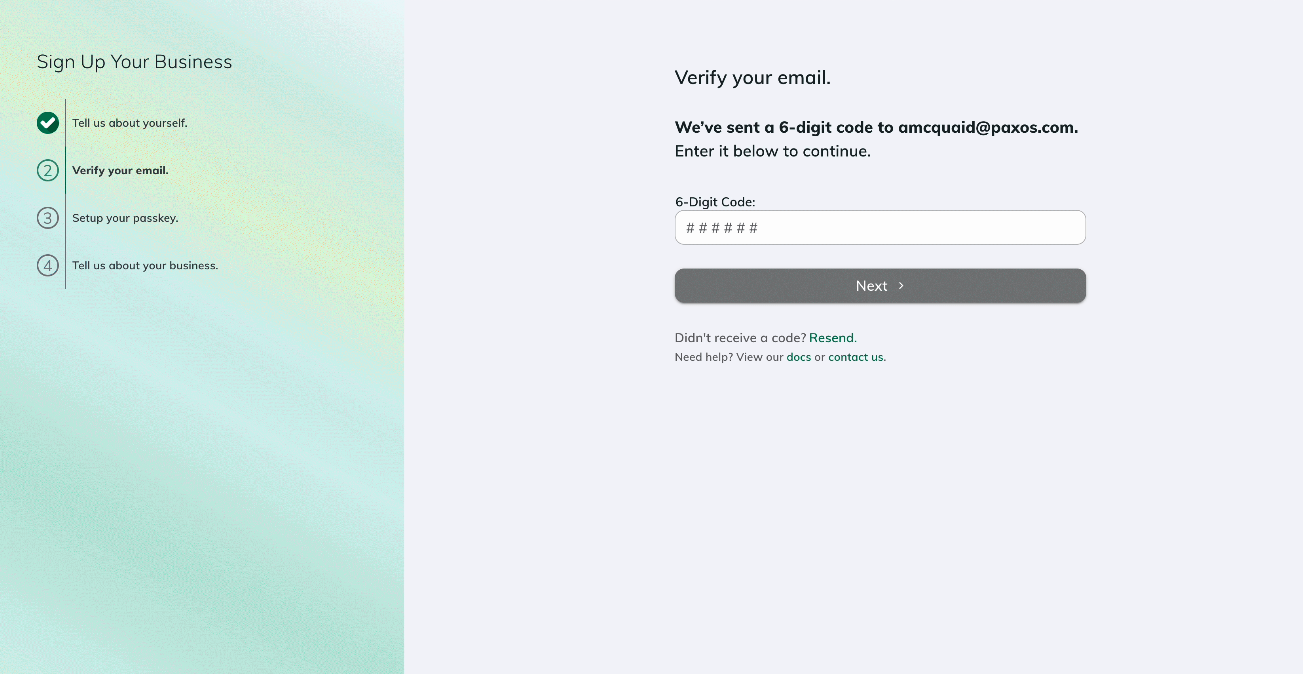
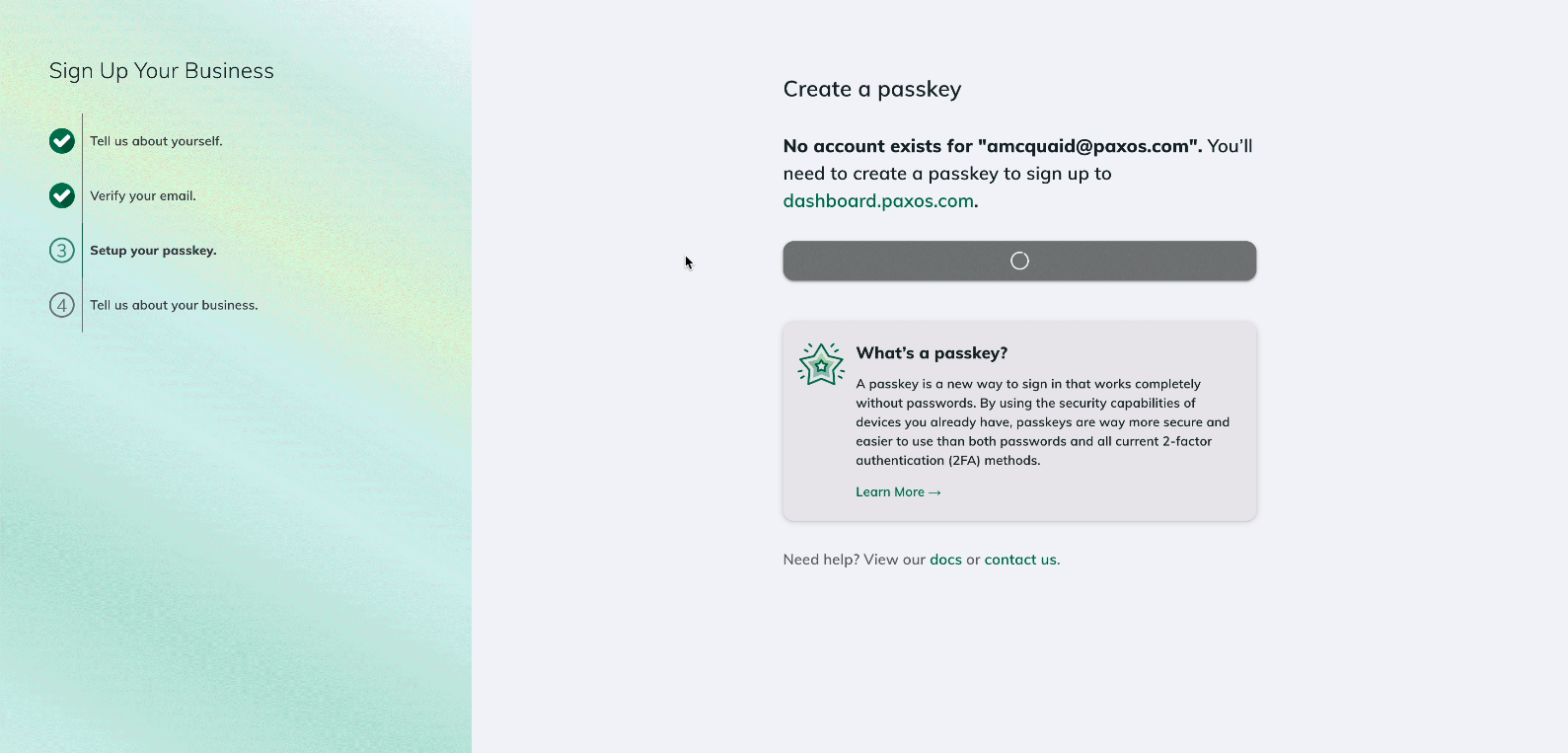
➍ Create a Passkey and Sign In to the Dashboard
Follow the steps to create a passkey. We will automatically prompt you to sign in to the Dashboard once you save the passkey. Watch the demo →